Plan Threads posts and follow-up replies

Write the post and every reply that follows, set when each one goes out, then publish now or on schedule.

yourshop

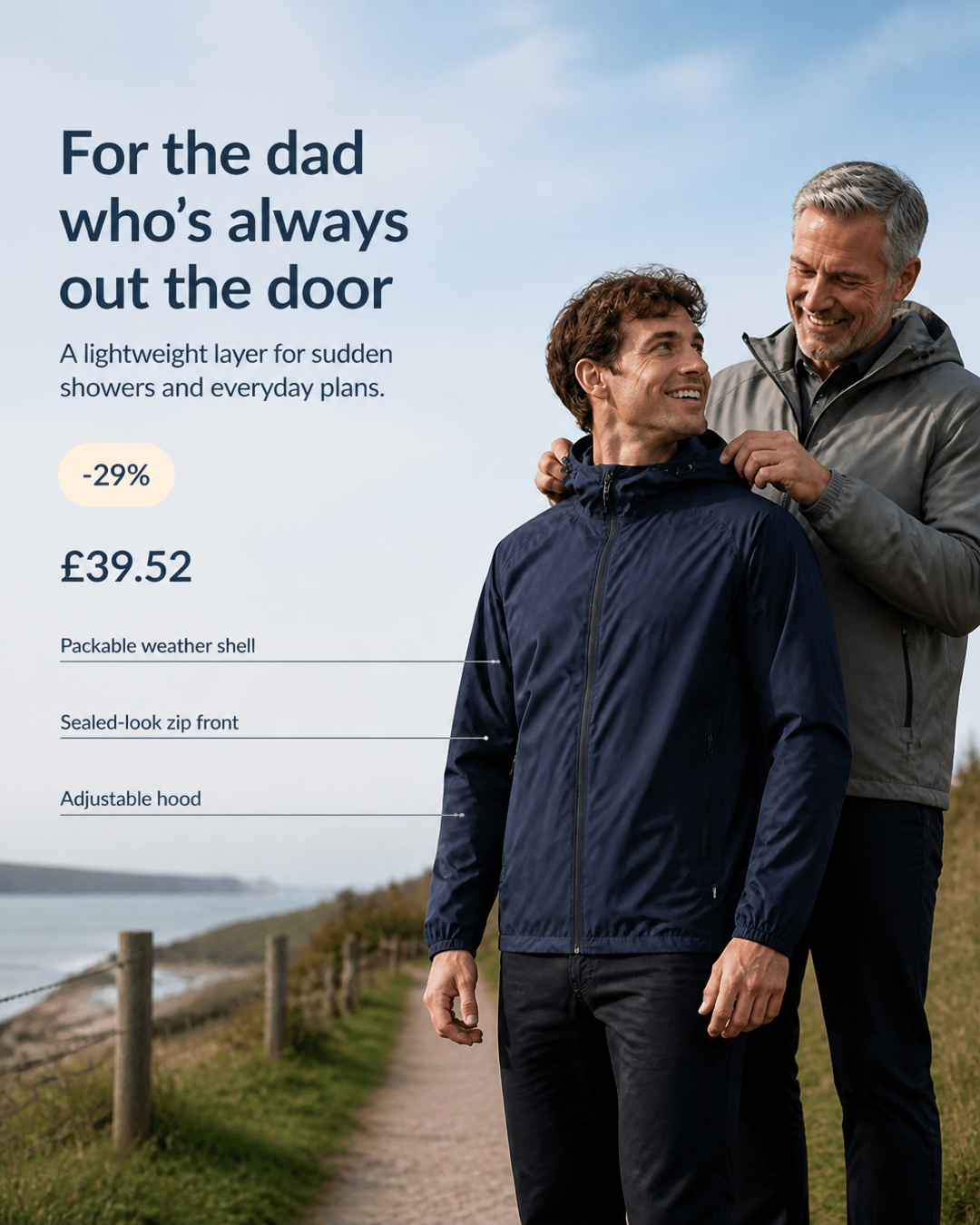
This jacket took fourteen prototypes to get right.
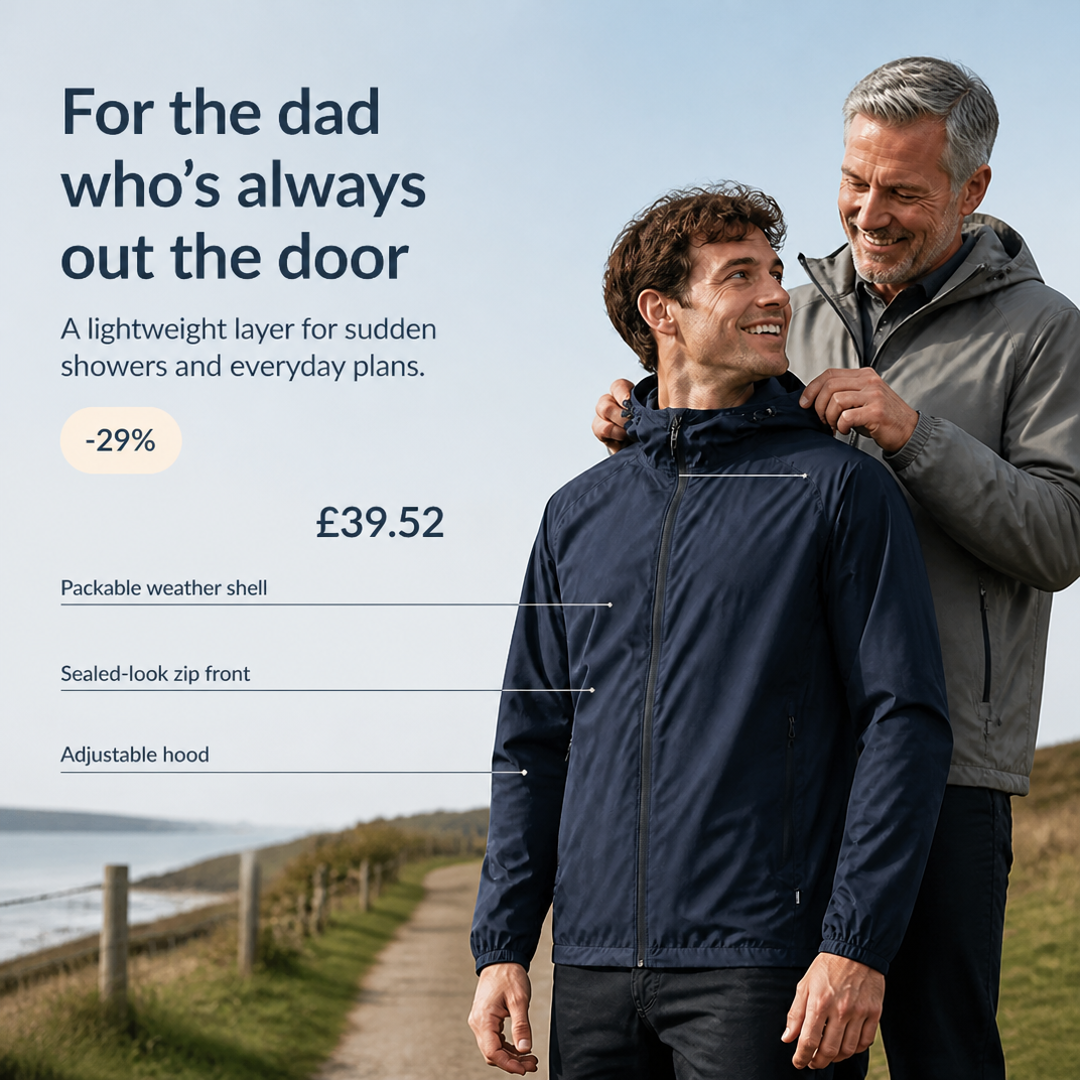
Rain jacket post

Prototype six nearly made it. The hood did not.

10 minutes later

Out now in three colors. Which one would you pick?

2 hours later

Follow-up replies

Line up replies with the next detail, a question, or a link to your shop, each going out when you choose.

812 / 500
Auto-thread
1 post and 1 reply

Long stories become threads

Paste the whole story and ProductByte splits it into a post with replies at natural breaks.

Rain jacket carousel item
Runner wearing the rain jacket
Watch carousel item2 / 20

A whole collection in one post

Mix photos and videos in one carousel to show a full collection, or post a single photo or video.

Weekend sale post
Removed after 3 days
Weekend sale post

Sale posts that end on time

Set a post to come down when the sale or giveaway ends.

See what keeps the conversation moving

Track views, replies, and reposts on every Threads post, including the ones you publish in the app.

Fourteen prototypes
Views
156K
Likes
8.2K
Replies
936
Reposts
410
Quotes
88
Shares
1.2K

Views, replies, and reposts

See views, likes, replies, reposts, quotes, and shares for every post.

Restock is live in every size.Threads app
This jacket took fourteen prototypes to get right.Scheduled
Sneak peek at the autumn drop.Threads app

Posts from the app included

Posts you publish in the Threads app show up next to your scheduled posts, so all your results are in one place.

FAQ

Frequently asked questions

Still looking for an answer, or have feedback to share? Get in touch

How do I connect my Threads profile?

Sign in with your Threads account and allow publishing, replies, and insights. That covers posting, follow-up replies, and results.

Can Nibble write my Threads posts?

Yes. Ask Nibble for a Threads post and it writes one that fits the 500-character limit.

Can I schedule posts using my own images and videos?

Yes. Upload your own images and videos, adapt the format and text for each channel, and schedule your posts. You do not need to create the content in Studio first.

Plan the campaign. Schedule every channel

Bring products, creative work, and social publishing into one connected workflow.

Get started