 Reel
ReelEvery Instagram format
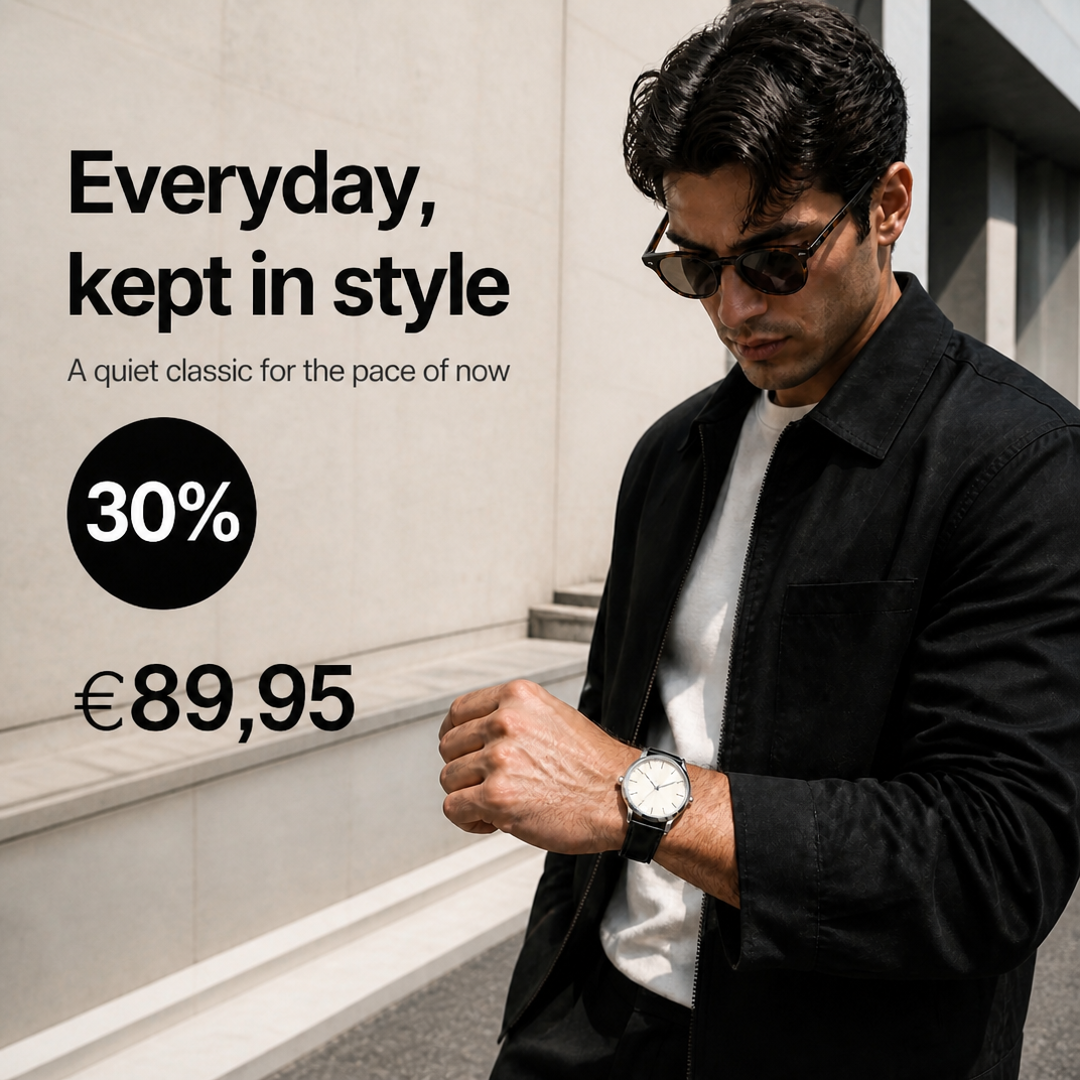
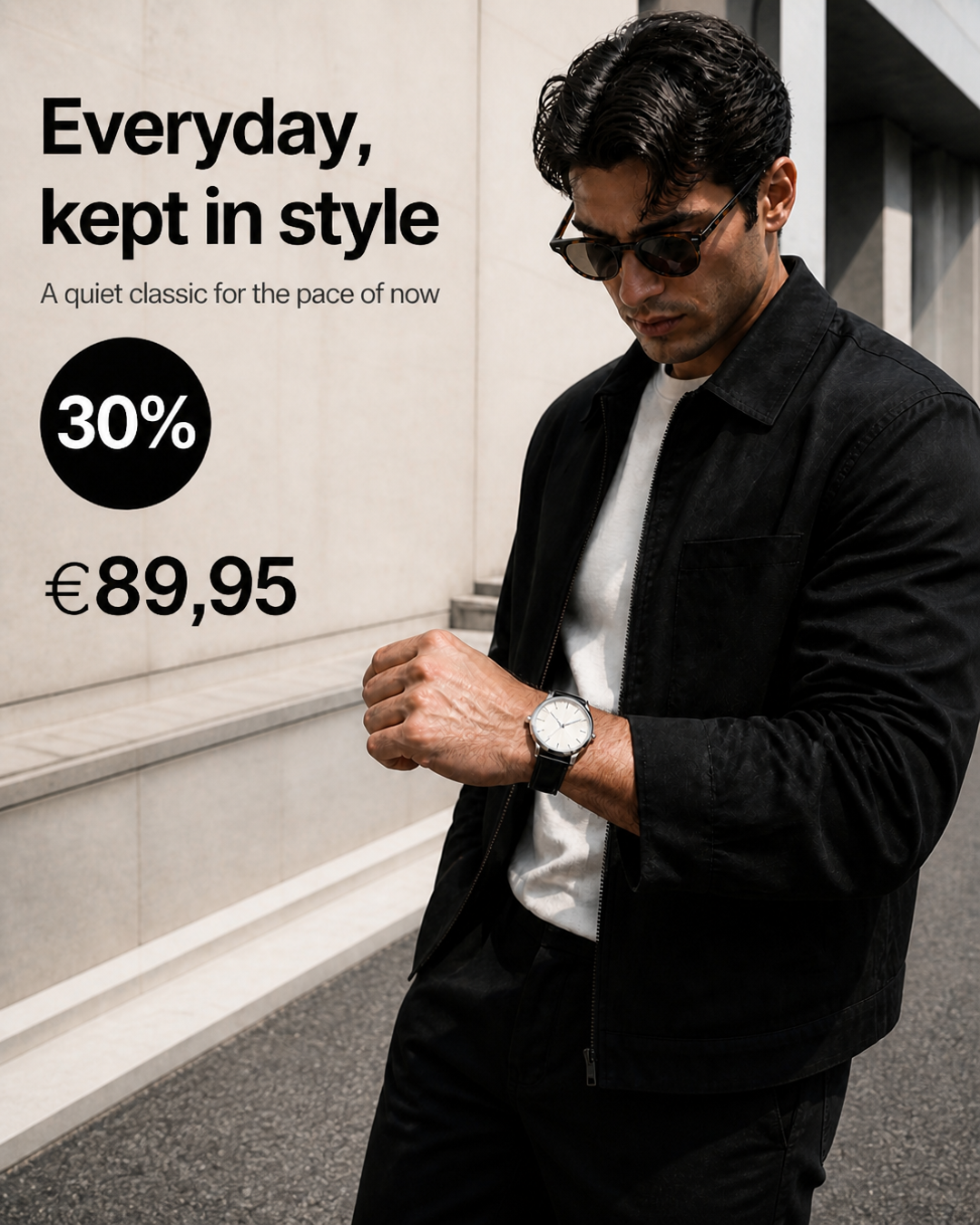
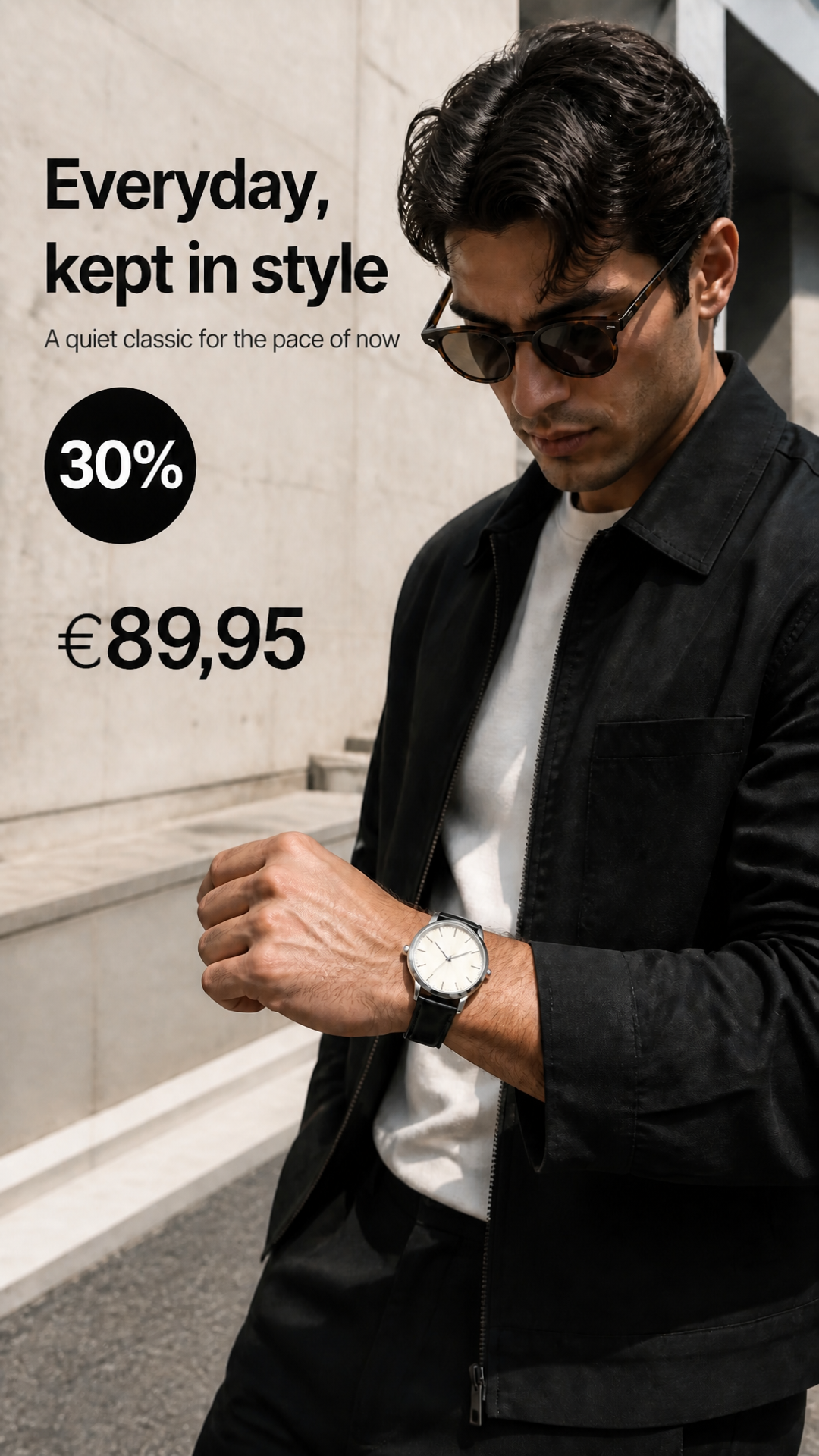
Plan feed posts, reels, and stories from the same campaign, with missing sizes formatted for you.
Pick the placements you need, auto-format missing sizes, then publish, schedule, or go cross-platform.
ReelPlan feed posts, reels, and stories from the same campaign, with missing sizes formatted for you.
 Rain jacket€89Running shoes€129
Tag products in your posts and reels. People tap a tag to see the price and buy from your shop.
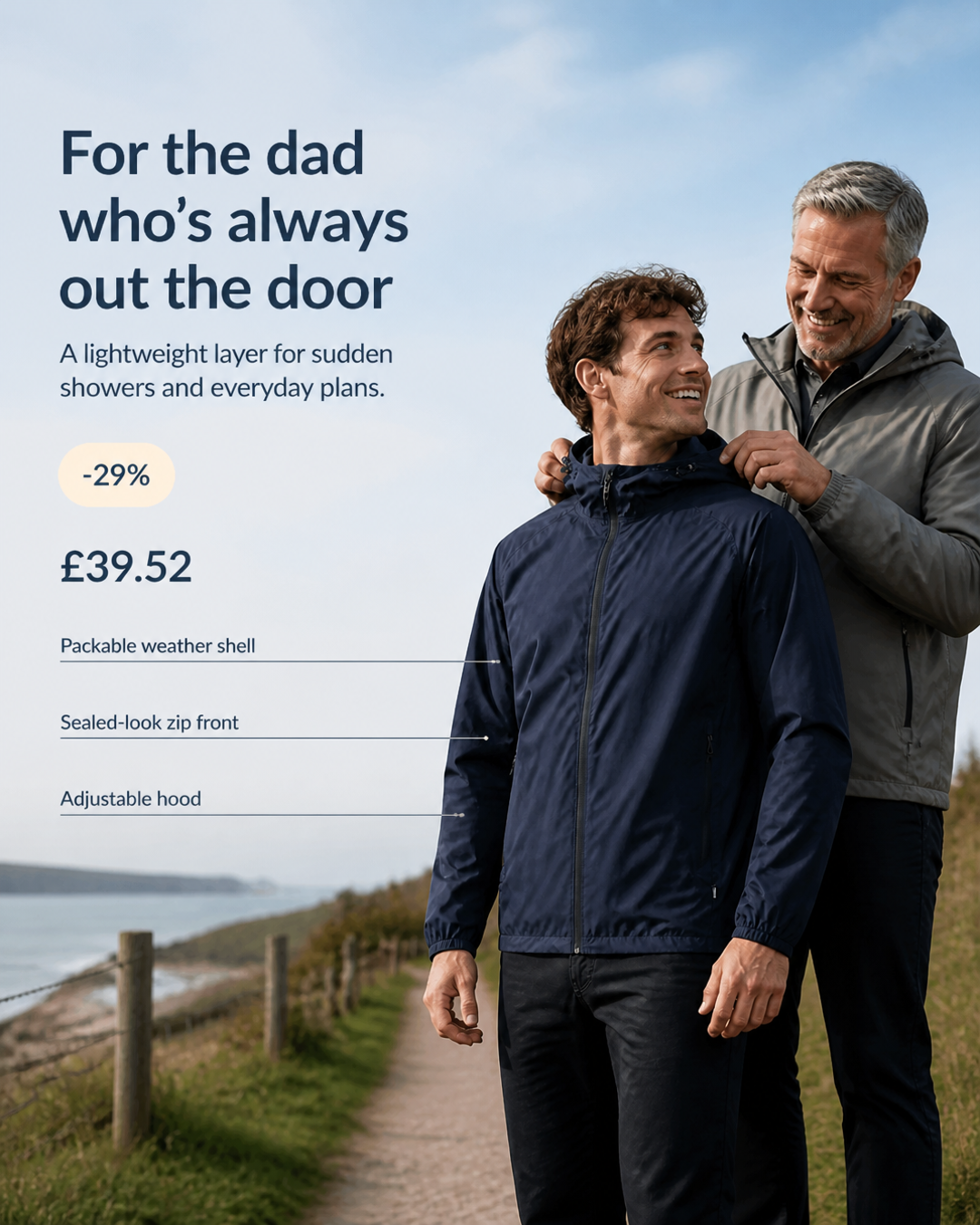
Set the date and time once. Your post publishes automatically to every selected channel.
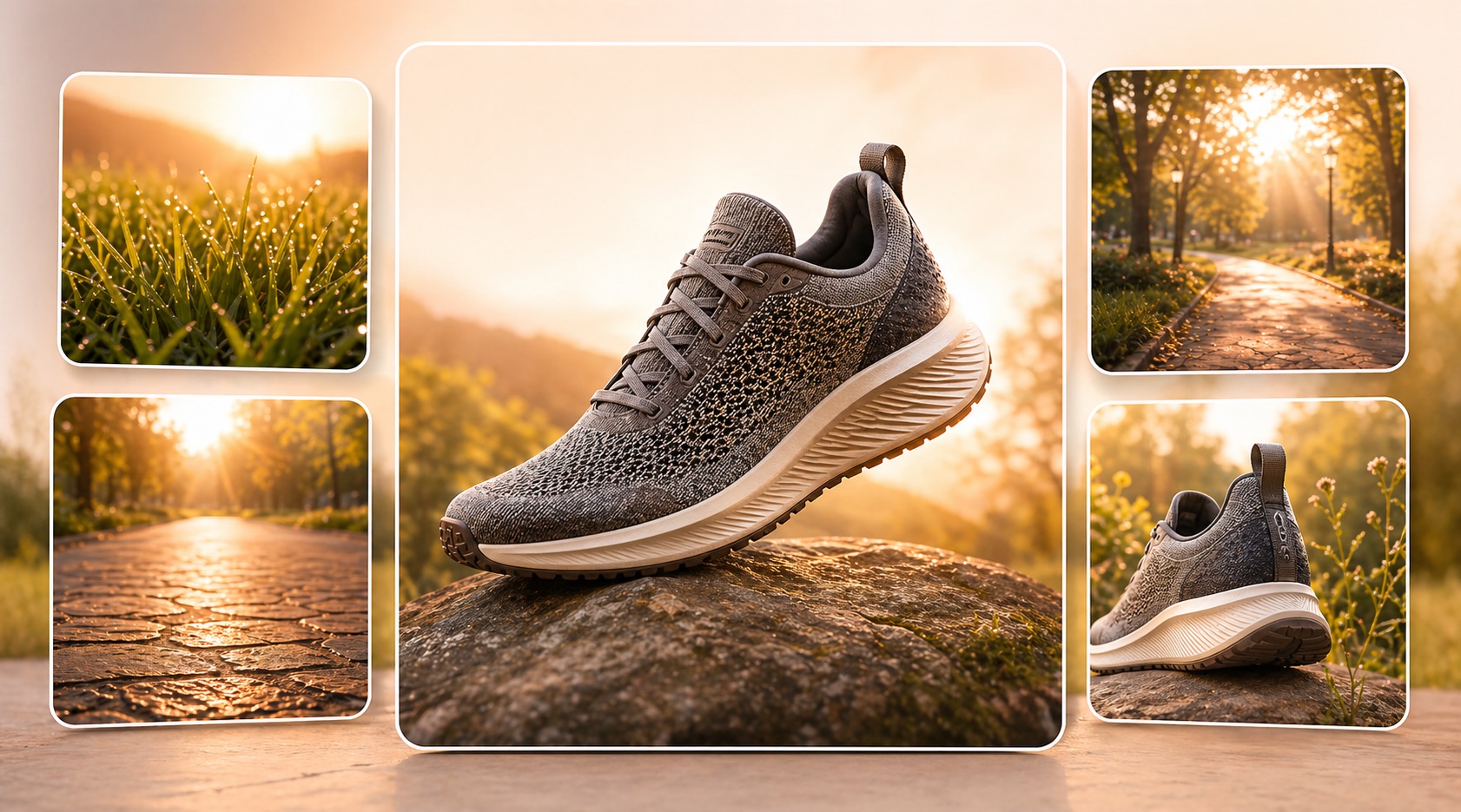

Add a first comment to your post and choose when it goes out.
Compare reach, saves, and profile activity across every Instagram format.
See how every post, reel, and story performs over the last 30 days.
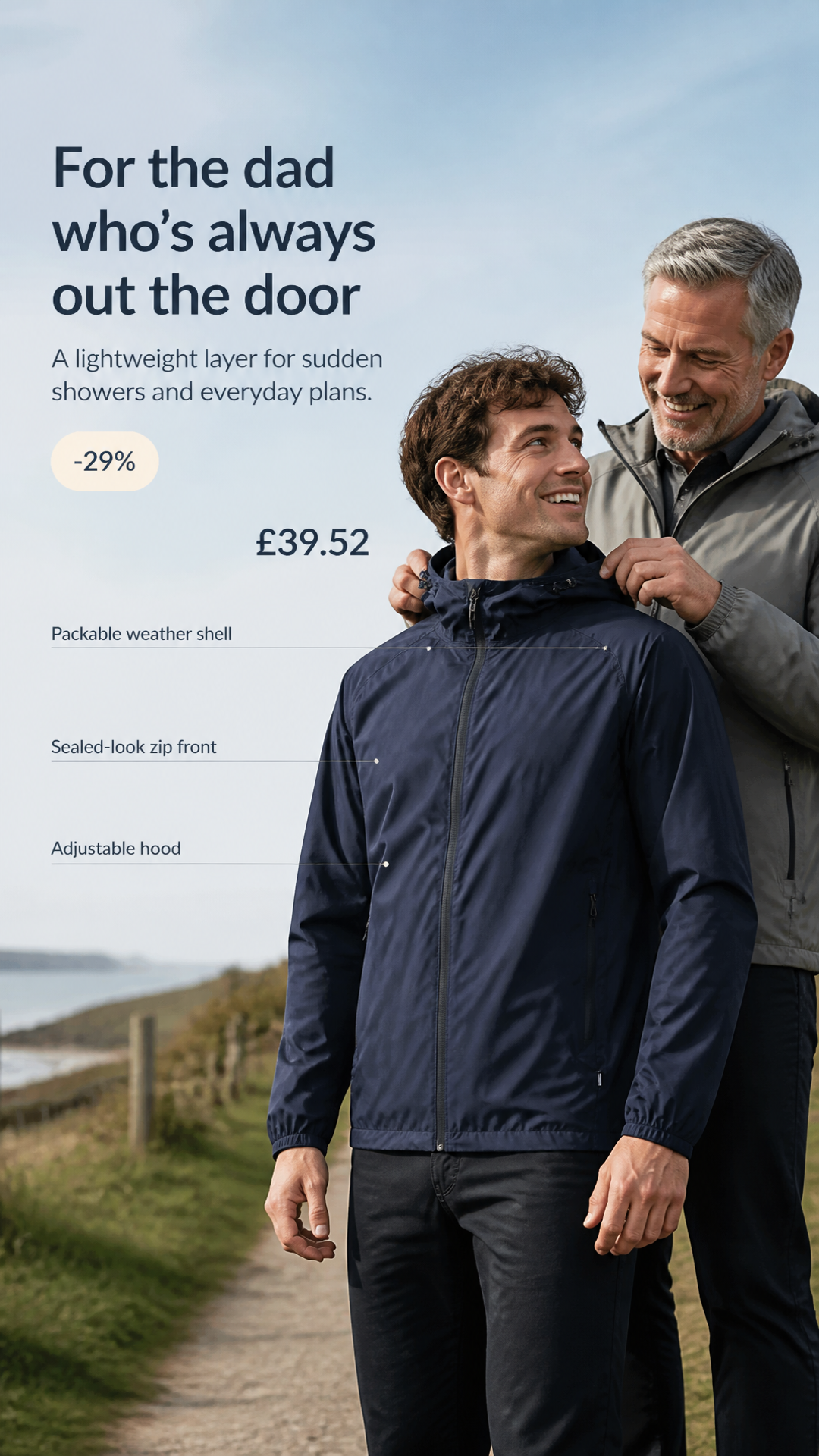
Spot the post that earned the most saves and plan the next one around it.
Everyday, kept in style. Discover the lightweight layer made for changing plans.
One jacket, three ways to wear it. Which look makes the cut?
Customize the copy and tone for each channel before publishing.
Publish on one platform first, then send the next post later to extend campaign reach.
You can plan and schedule Instagram feed posts, reels, and stories.
Yes. Tag the products in your posts and reels, and people can tap a tag to see the price and buy from your shop.
Absolutely. Create one post and publish it across every social channel you connect. Publish right away or schedule it for later.
Bring products, creative work, and social publishing into one connected workflow.
Sign up