 Dutch
Dutchyourshop
Fresh trails, fresh kicks. Tap to shop the drop.
@yourshop
New trail sneakers just dropped. Which colour are you picking?
Split content per channel
Customize the copy and tone for each channel before publishing.



Schedule posts and threads, run ads and Dynamic Product Ads, and track every result in one place.
Turn a Studio Creative into a X ad, right from the campaign it belongs to.
X shows each person the products they viewed in your shop, or the ones they are most likely to buy. Your catalog stays in sync, so every ad is ready to sell.
Read the official guideRemind people of products they viewed, and show new shoppers the products that fit them.
Sell the last one and it stops being advertised, so you do not pay for clicks you cannot fulfil.
Use product rules to choose which products an ad can show.
Every sync gets a clear score, so you know what needs attention before it runs.
Our agents fix issues across your catalog as products change or new ones arrive, without losing the story behind them.
Not every product belongs everywhere. You decide what goes where.
Track spend, clicks, and purchases for every X ad, and put your budget where it sells.
Write the post or build the full thread, then publish now, schedule it, or add more channels.
Discover Campaigns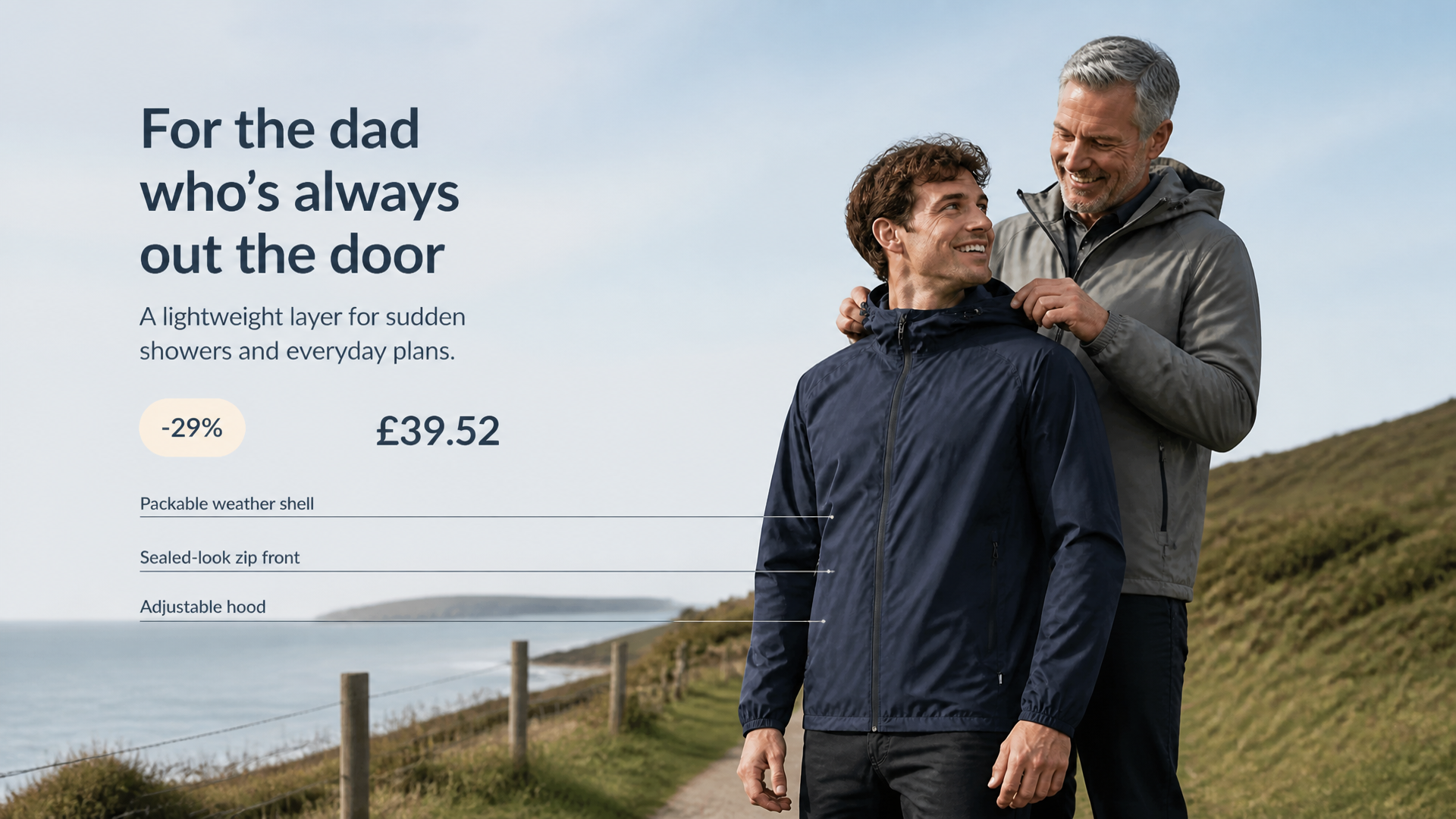
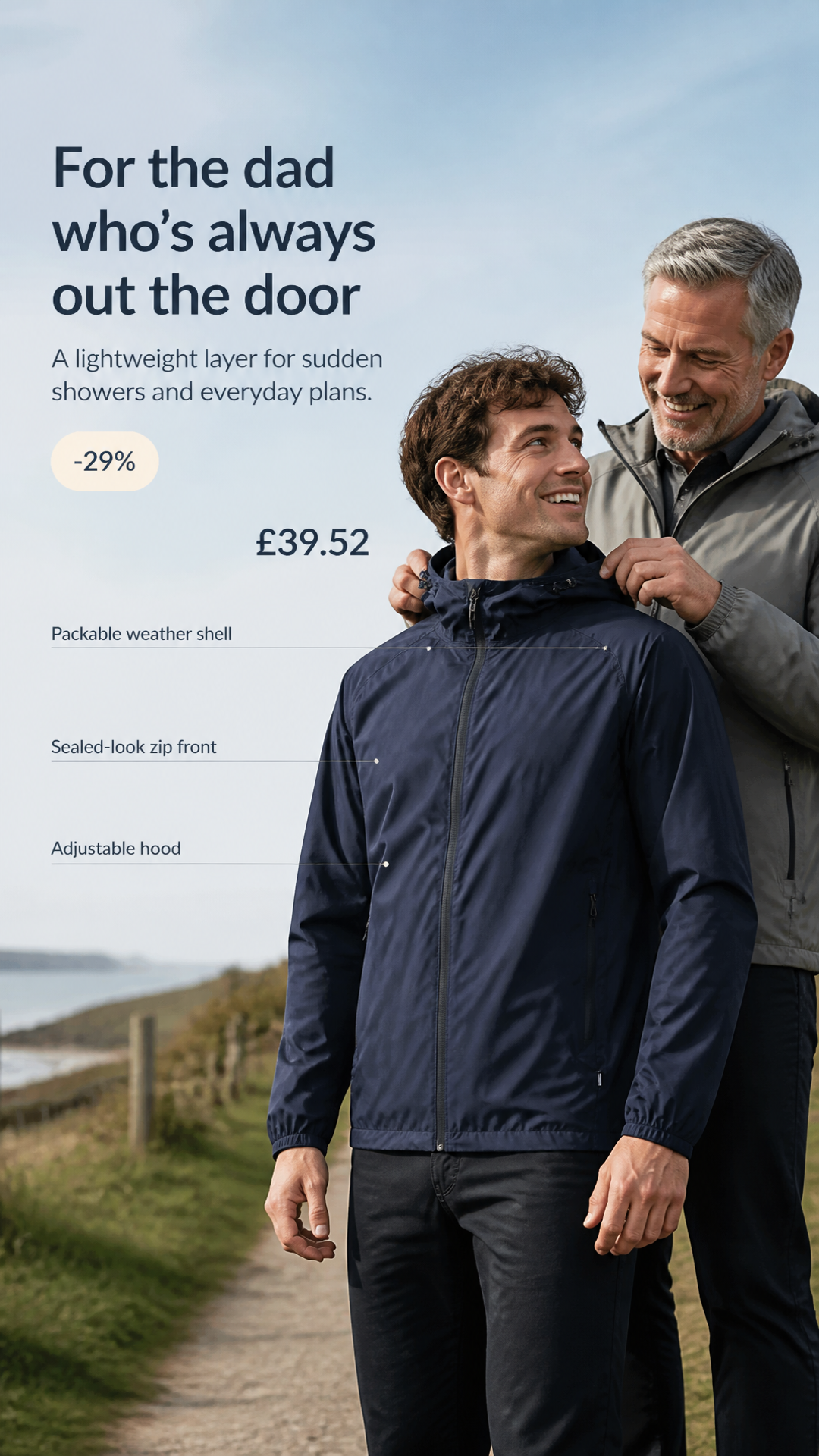
The forecast changed. The jacket did not. Meet the lightweight layer built for days that refuse to stick to the plan.
Set the date and time once. Your post publishes automatically to every selected channel.
Discover CampaignsFresh trails, fresh kicks. Tap to shop the drop.
New trail sneakers just dropped. Which colour are you picking?
Customize the copy and tone for each channel before publishing.

Give each channel its own follow-up comments and timing.
Publish on one platform first, then send the next post later to extend campaign reach.
Remove a published post automatically after a set number of hours or days.
The story behind our new trail sneaker
Tested on 400 km of trails
Out now in three colours
Turn a long story into a complete thread with natural breakpoints and connected replies.
Compare impressions, engagement, and link clicks for every X post and thread.
Discover CampaignsAbsolutely. Prepare each post in order, then schedule the whole thread at once.
Absolutely. Create one post and publish it across every social channel you connect. Publish right away or schedule it for later.
Ads that X builds from your catalog. Each person sees the products they viewed in your shop, or the ones they are most likely to buy.
Yes, to run ads. Connect your X Ads account and ProductByte launches your ads and keeps your catalog in X Shopping Manager current.
Yes. Use product rules to choose exactly which products your ads can show.
Bring products, creative work, and social publishing into one connected workflow.
Get Started for Free