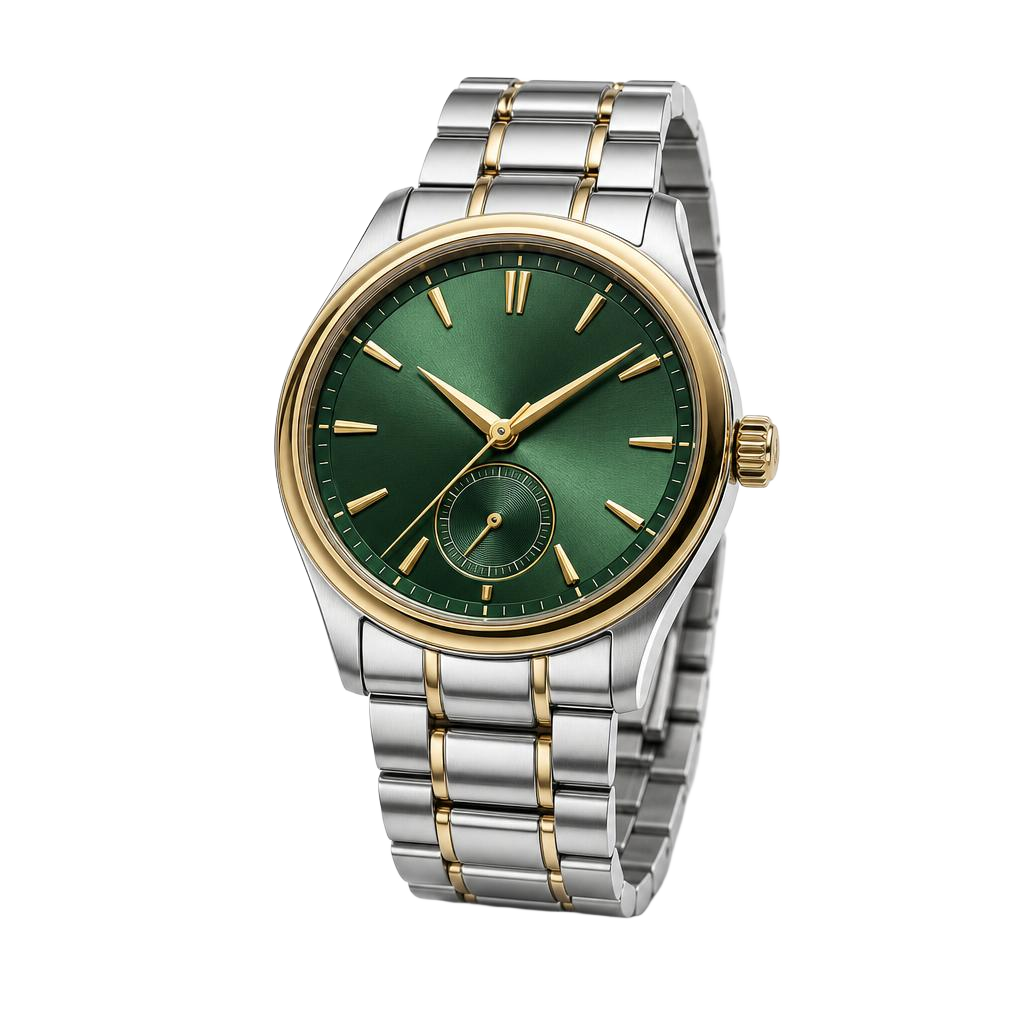
Emerald watch
€149.00
 ShoppingAI ModeGemini
Shopping, AI Mode, and Gemini
Merchant Center is the source behind your listings across Google.
ProductByte builds your Merchant Center feed from your catalog. Google collects it every day, and stock status is updated in between.
ShoppingAI ModeGeminiMerchant Center is the source behind your listings across Google.
Google collects the feed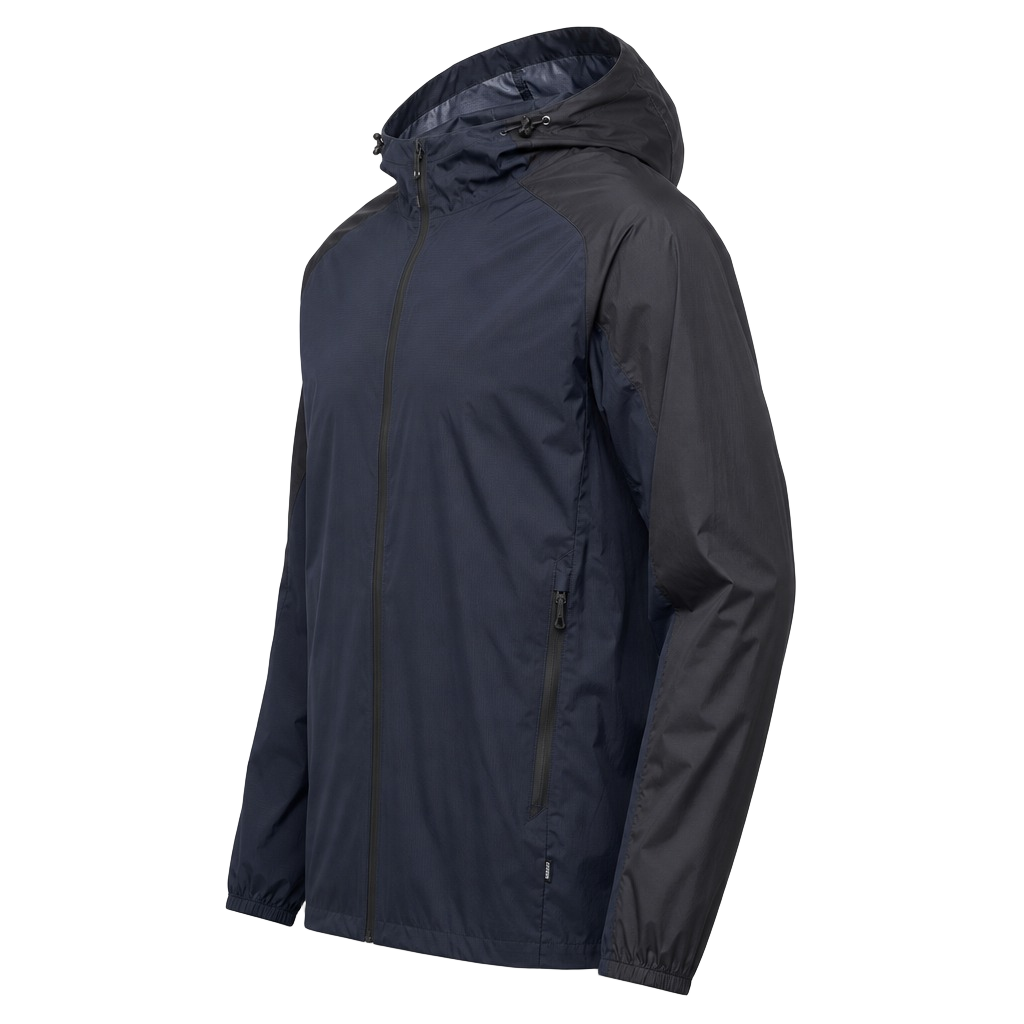 Rain jacketOut of stock
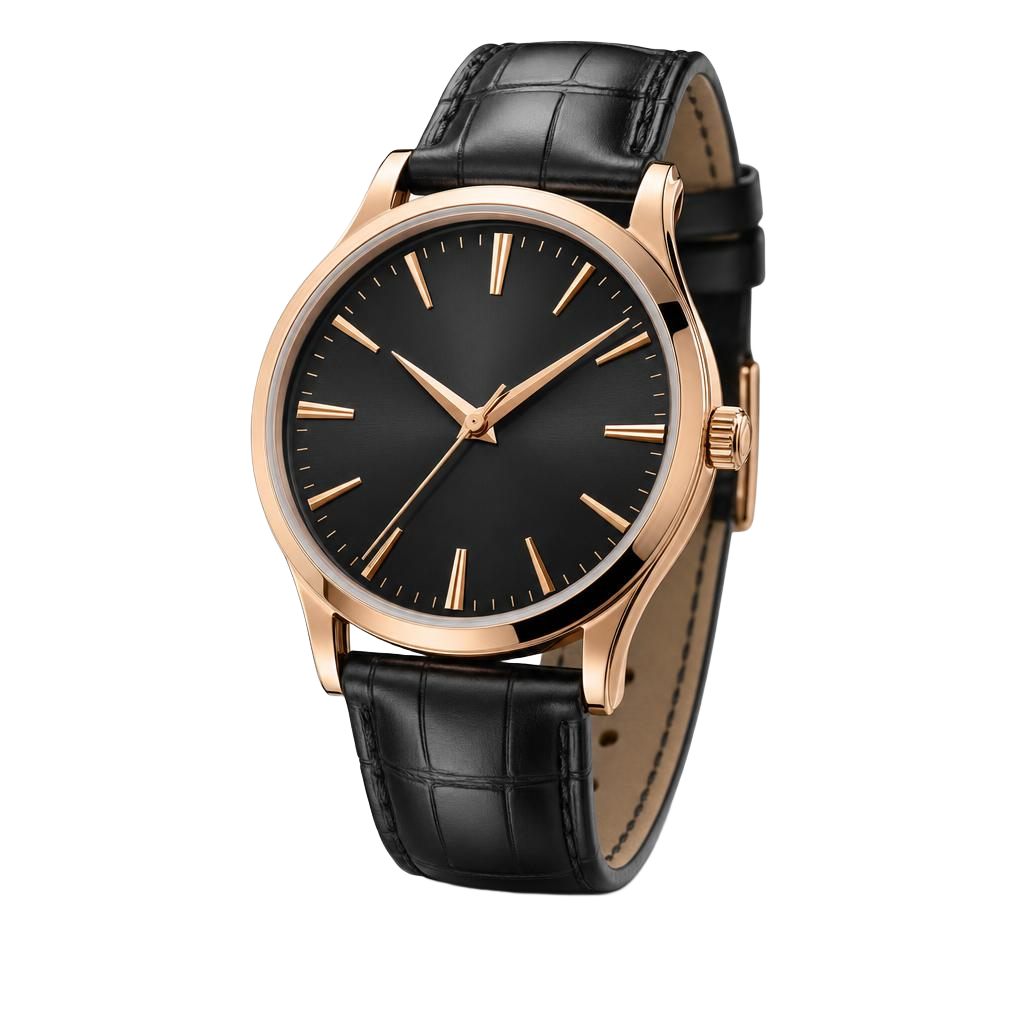 Rose watchIn stock
Google collects your full feed once a day. When a product sells out or comes back in stock in between, ProductByte updates its availability in Merchant Center.
Send availability for each of your stores, so Google can show nearby shoppers where a product is in stock.
Each feed targets one country and language. Add one for every market you sell in.

Import a feed you already send to Merchant Center, and use those products across ProductByte.
See what Google is missing, fix it, and choose which products go out.
The sync score shows how many products fill each Google field.
Shorten long titles, strip HTML, fix capitalization, or normalize values across every product with the issue.
Google fields start mapped to your product fields. Use a product field, a fixed value, or a template for any of them.
147 productsChoose products by language, price, availability, or your own product fields.
Google collects your full feed once a day, so prices and other details update then. Availability is sent to Merchant Center in between, as soon as your feed updates.
Yes. Each feed targets one country and one language. Add a feed for every market, all in the same Merchant Center account.
Yes, from any data source that Google fetches from a URL. ProductByte imports that feed, and you can use those products across ProductByte.
No. The sync score shows what is missing, and a fix runs when you choose it on the sync page, from your inbox, or by asking Nibble. Your inbox also tells you when the score drops.
Manage product data, campaign work, and connected destinations in one workflow.
Get started