Plan a rain jacket campaign for next week


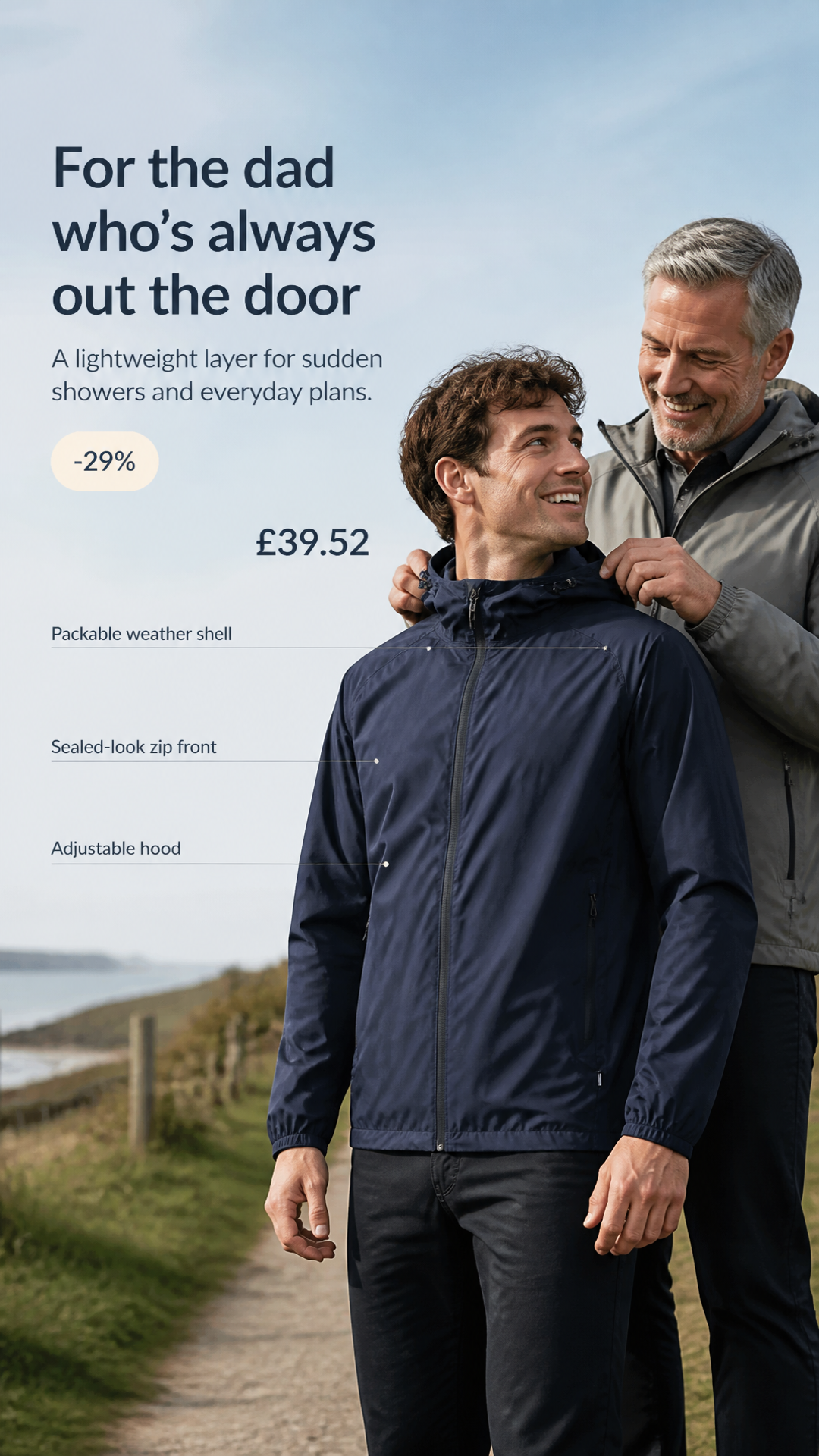

Plan and schedule a campaign
Describe the campaign, and your agent writes a post for each channel, then schedules it or adds it to your queue.
Add ProductByte to your Slack workspace and ask Nibble in any channel. It answers in a thread, works with the images you share, and posts what your scheduled tasks find.
Get startedDescribe the campaign, and your agent writes a post for each channel, then schedules it or adds it to your queue.


Get images and carousels built from your product photos and playbooks. Each one uses credits.
Read channel results and spend per ad, next to your shop's orders and revenue.
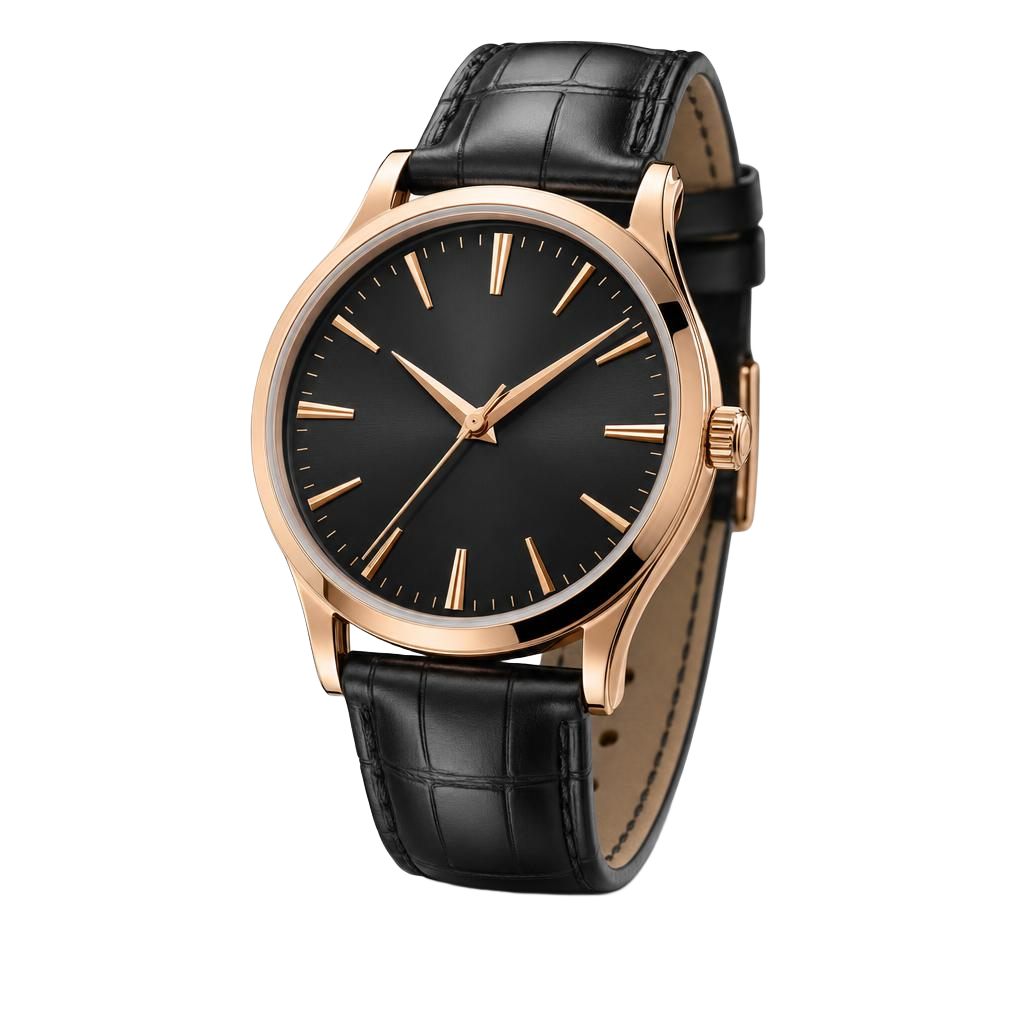
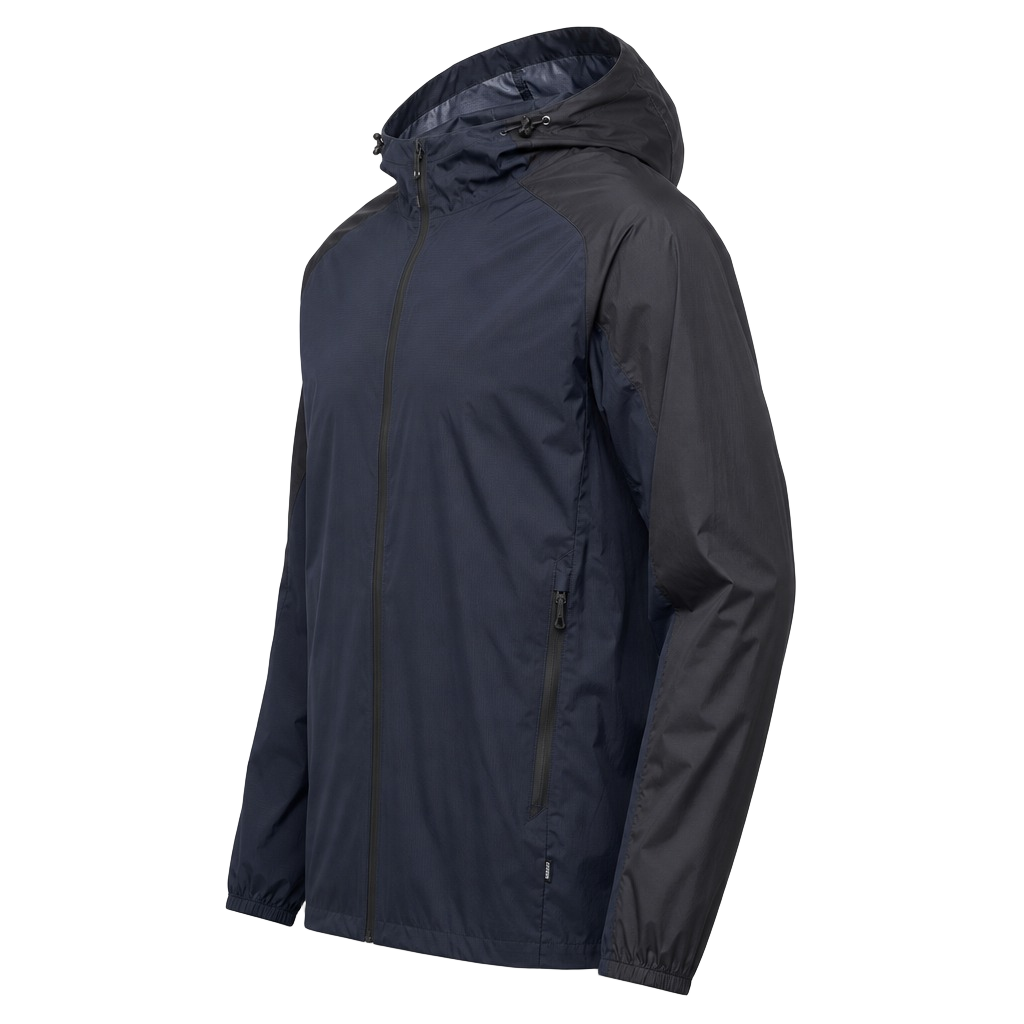
Ask which products are on sale or describe what a customer wants, and your agent finds it in your catalog.
Link Shopify, WooCommerce, bol.com, or a product feed, and add social and ad accounts from the chat.
No. Nibble only answers when someone mentions it, or replies in a thread it is already part of.
Anyone in the ProductByte workspace who can edit. Each person links their Slack account once, and Nibble works with their access.
No. Each thread belongs to one project, and Nibble asks which one when it isn't clear. Pin a channel to a project, and every question there goes straight to it.
Connect your shop and give Nibble its first task. No credit card required.
Get started