


Product catalog
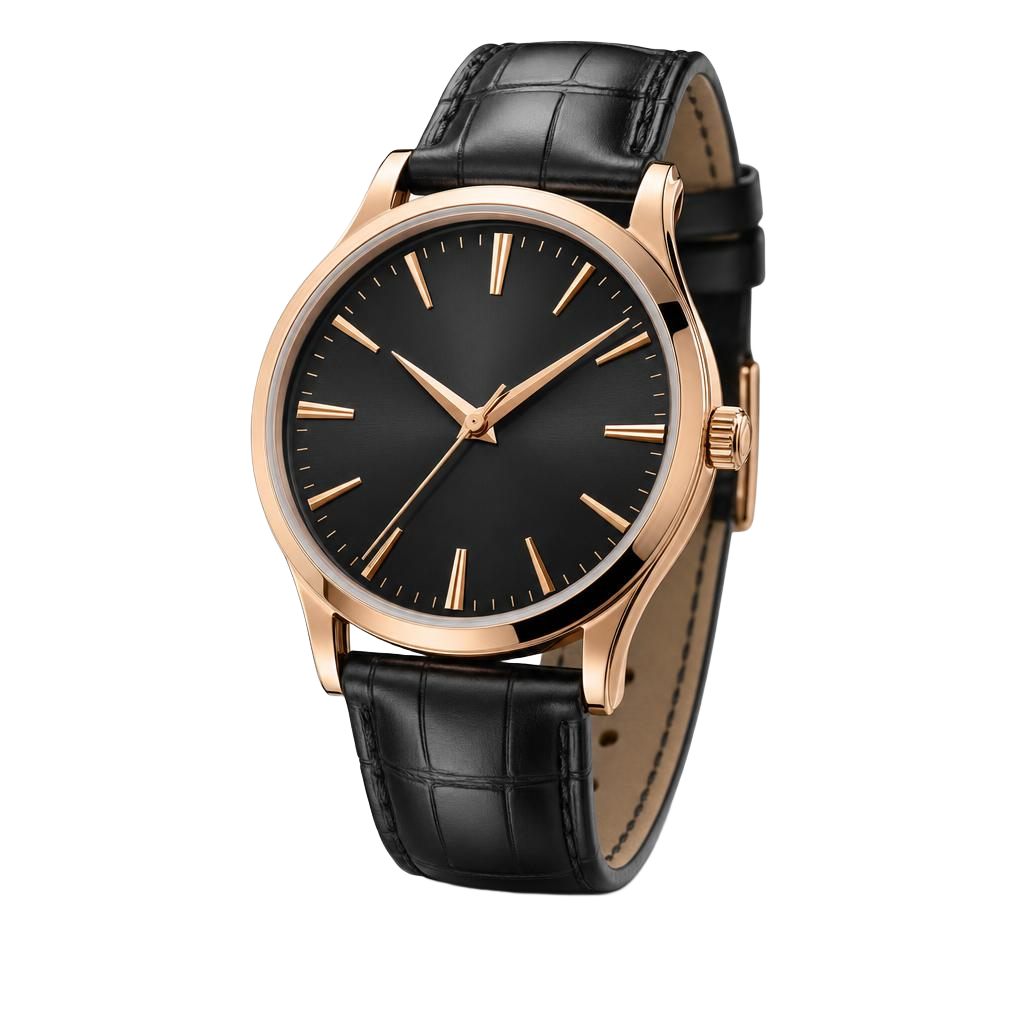
Rose watch
€129.00
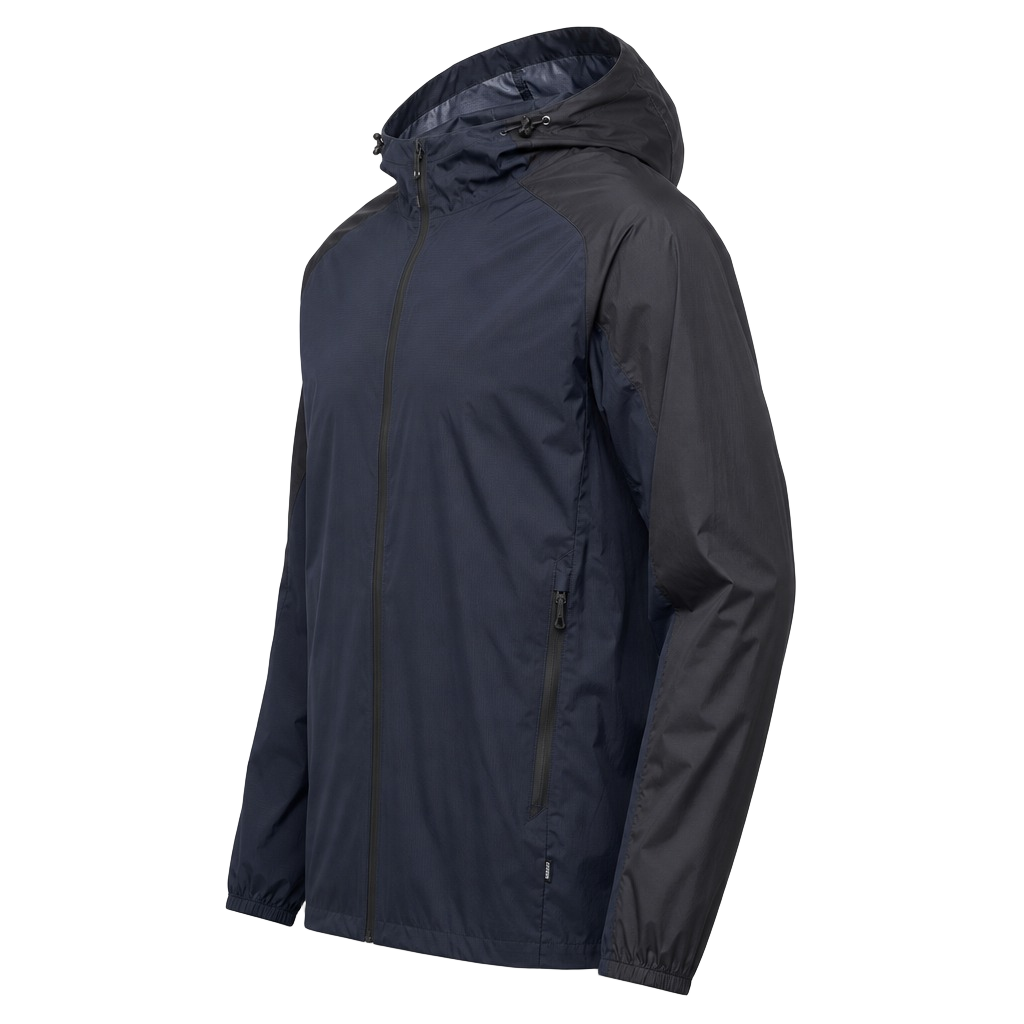
Rain jacket
€89.00
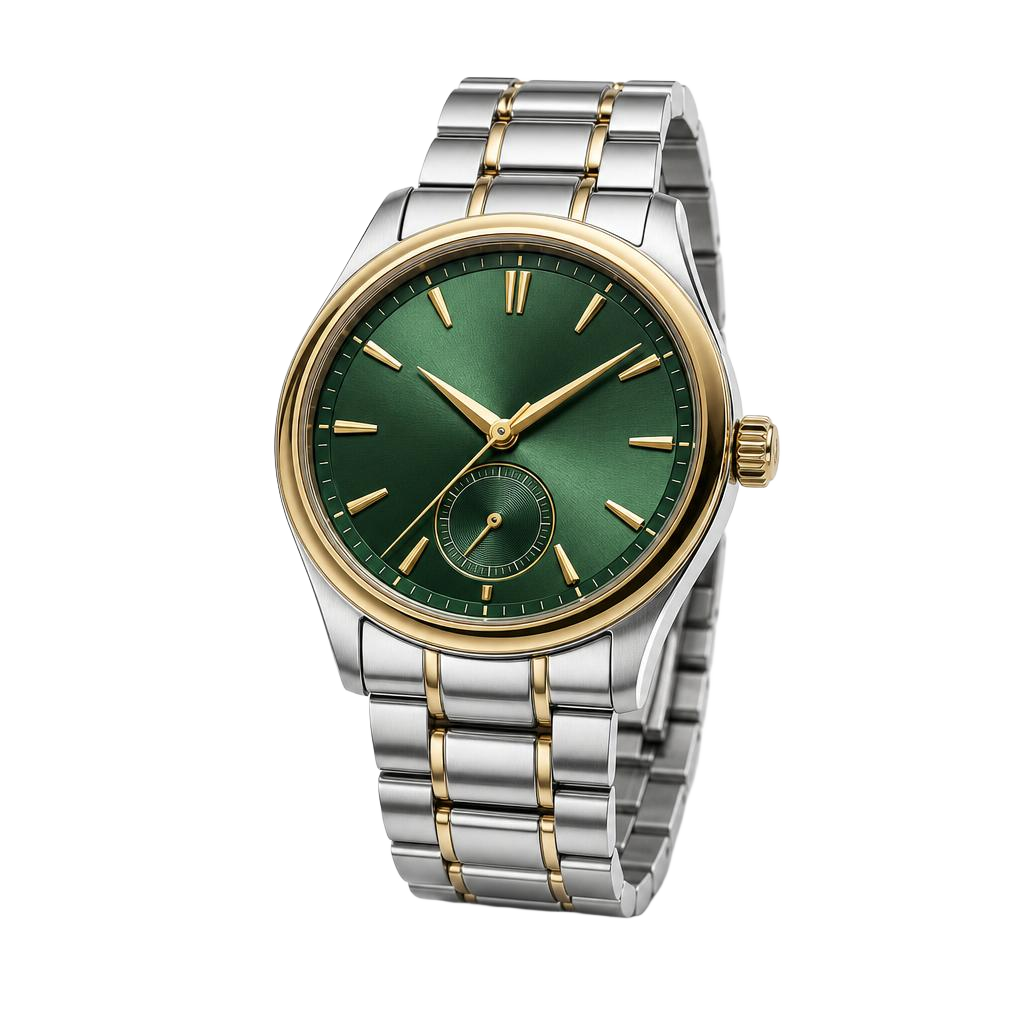
Emerald watch
€149.00
Current products in Spotler
Prices and availability come from the same catalog you use in Studio and Campaigns.
Send current product data to Spotler Activate, so the prices and stock in a campaign match your shop.
Prices and availability come from the same catalog you use in Studio and Campaigns.
Every sync gets a score, so you see missing product fields before it runs.
Our agents fix issues across your catalog as products change or new ones arrive.
Use selection rules to choose exactly which products are available in Spotler Activate.
Yes. Current prices and availability come straight from your connected catalog.
Yes. Use product selection rules to choose exactly what is available in Spotler Activate.
Yes. The same connected products are ready for creative work in Studio and publishing in Campaigns.
Manage product data, campaign work, and connected destinations in one workflow.
Sign up Dutch
Dutch