Scroll-stopping creatives in minutes
Create on-brand product photography, campaign creatives, carousels, localized offers, and channel-ready social ads.
Select a product and turn it into campaign-ready creatives.
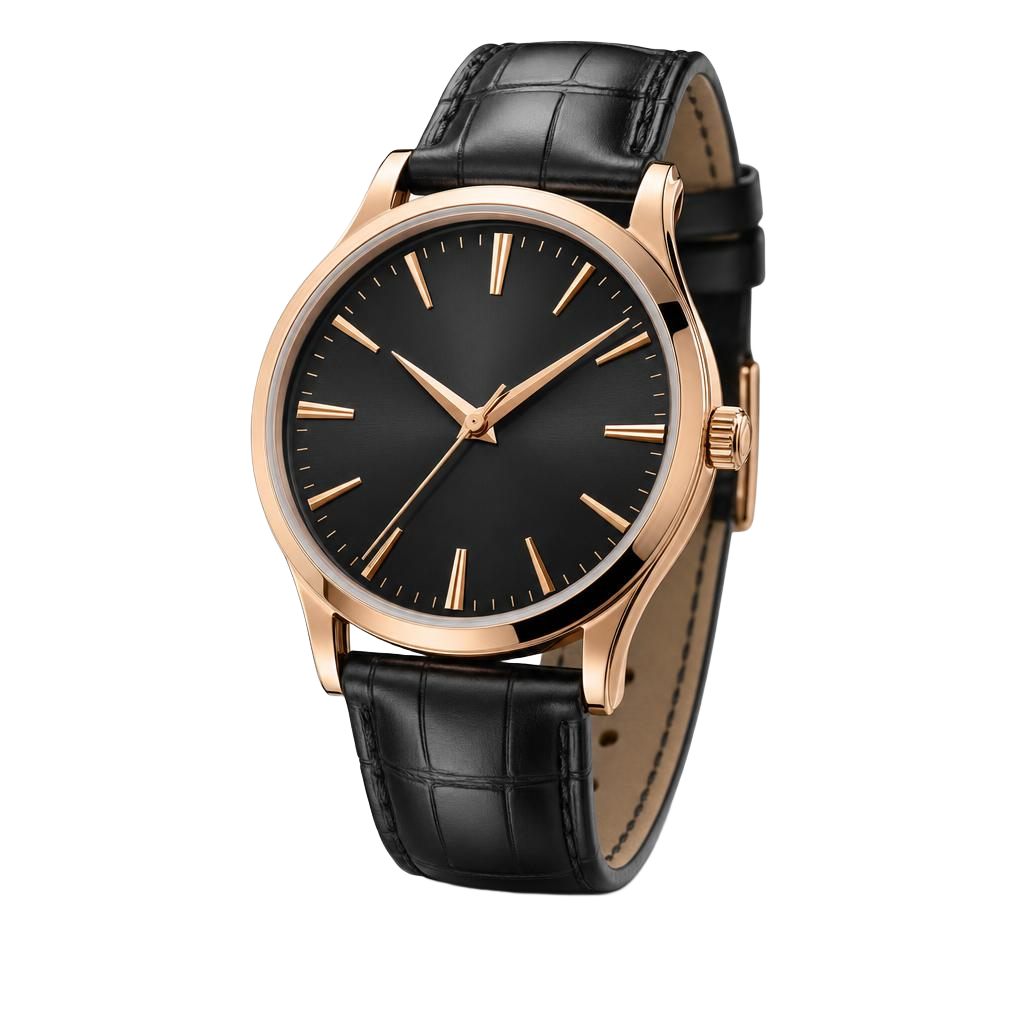
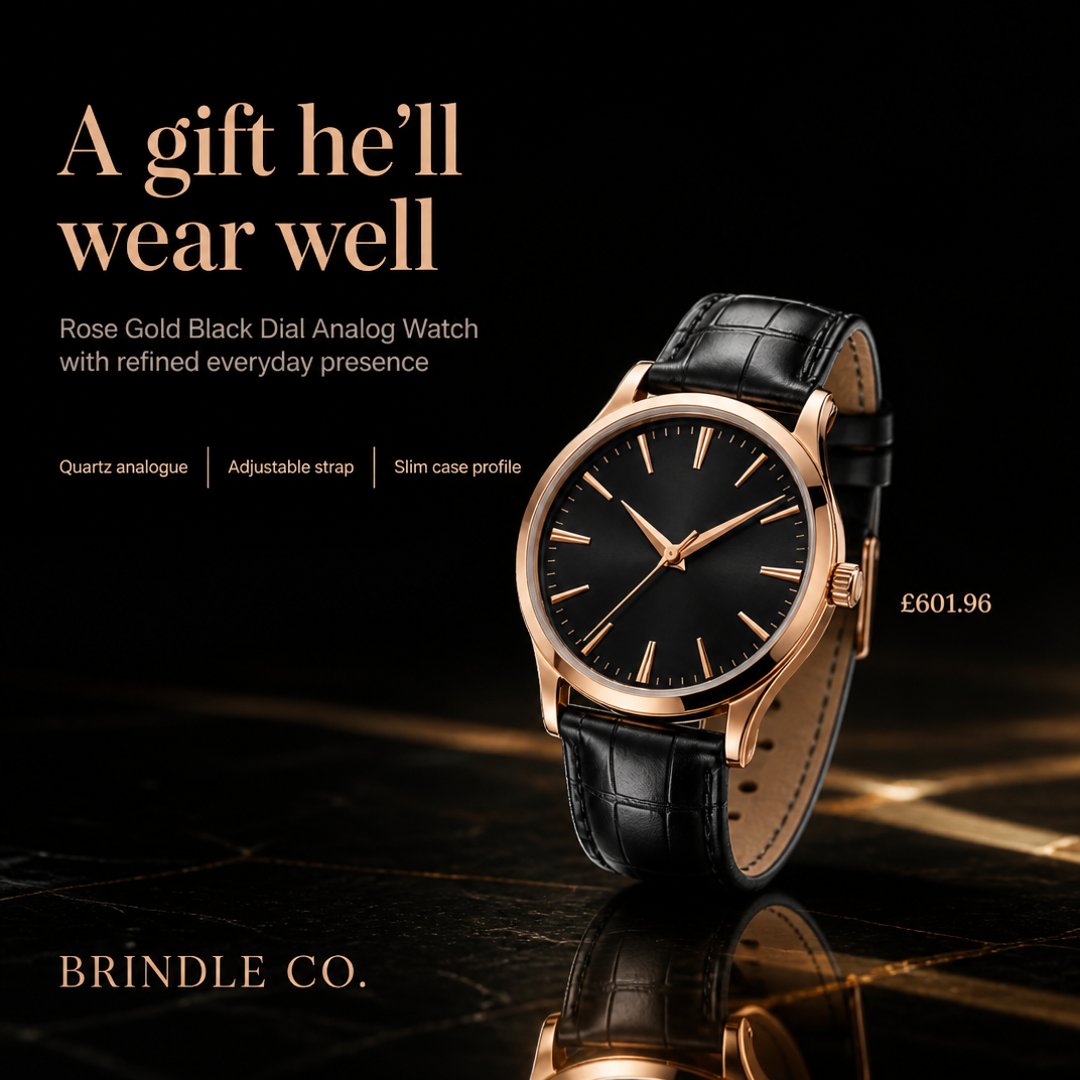
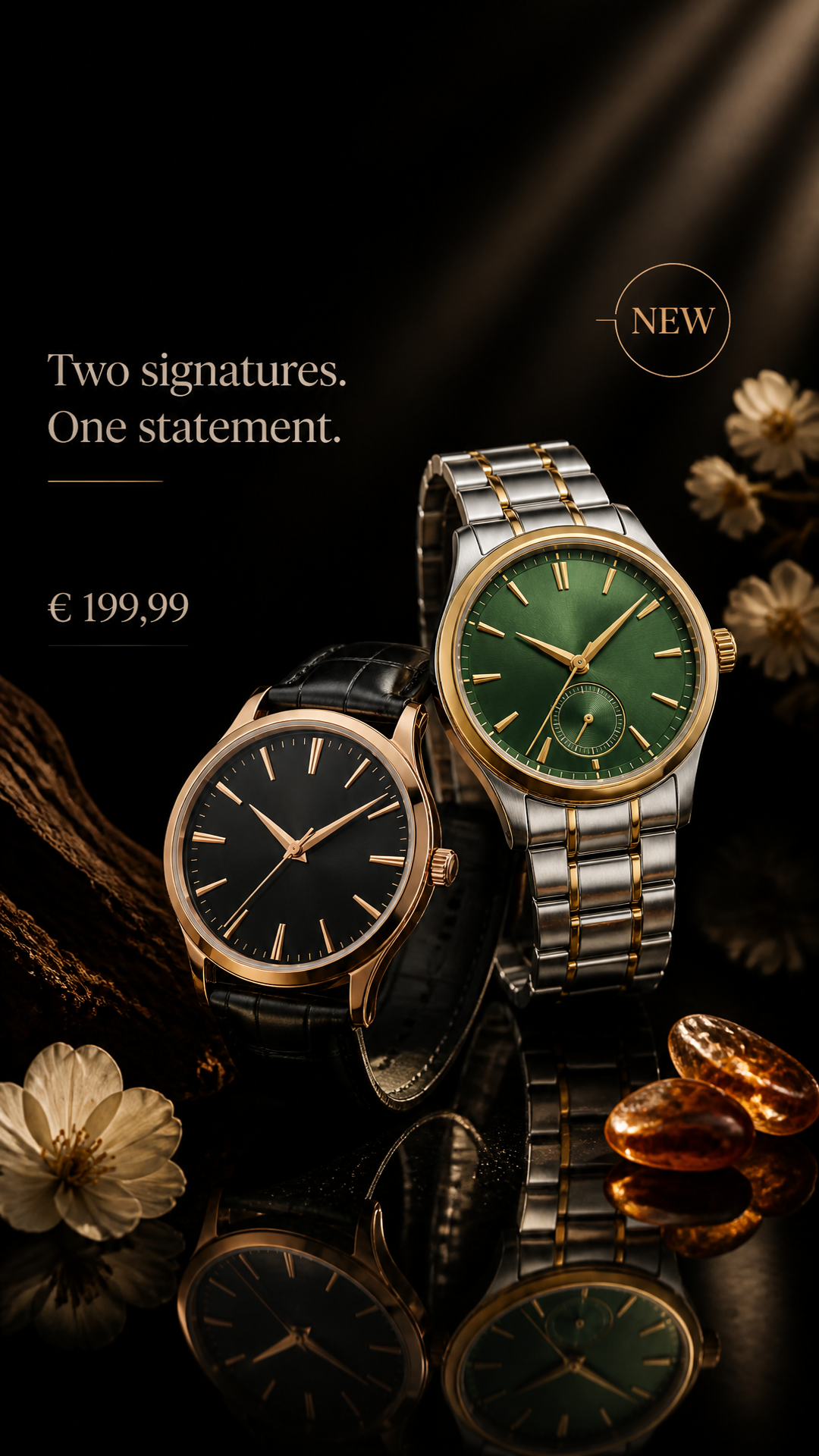
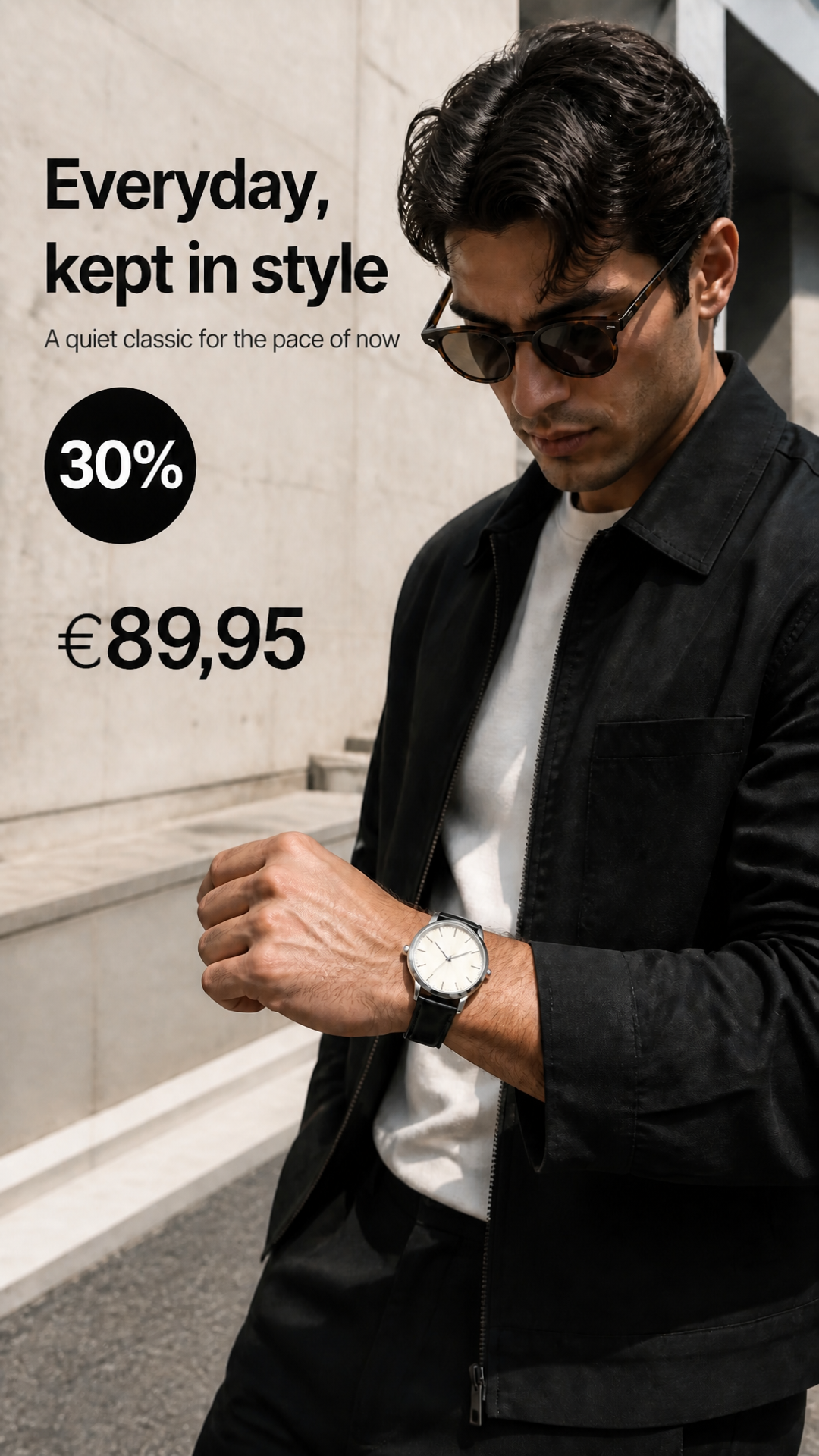
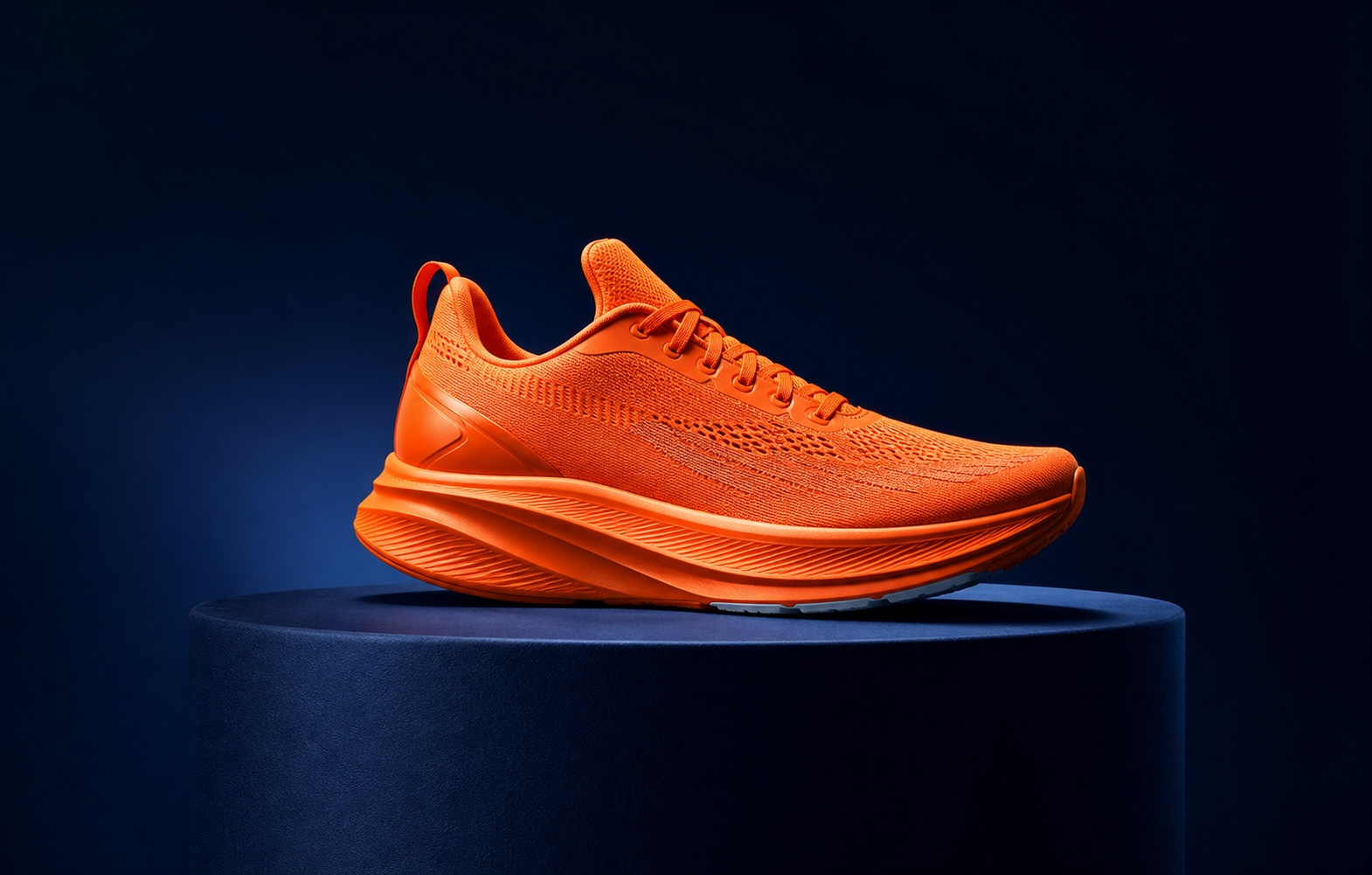
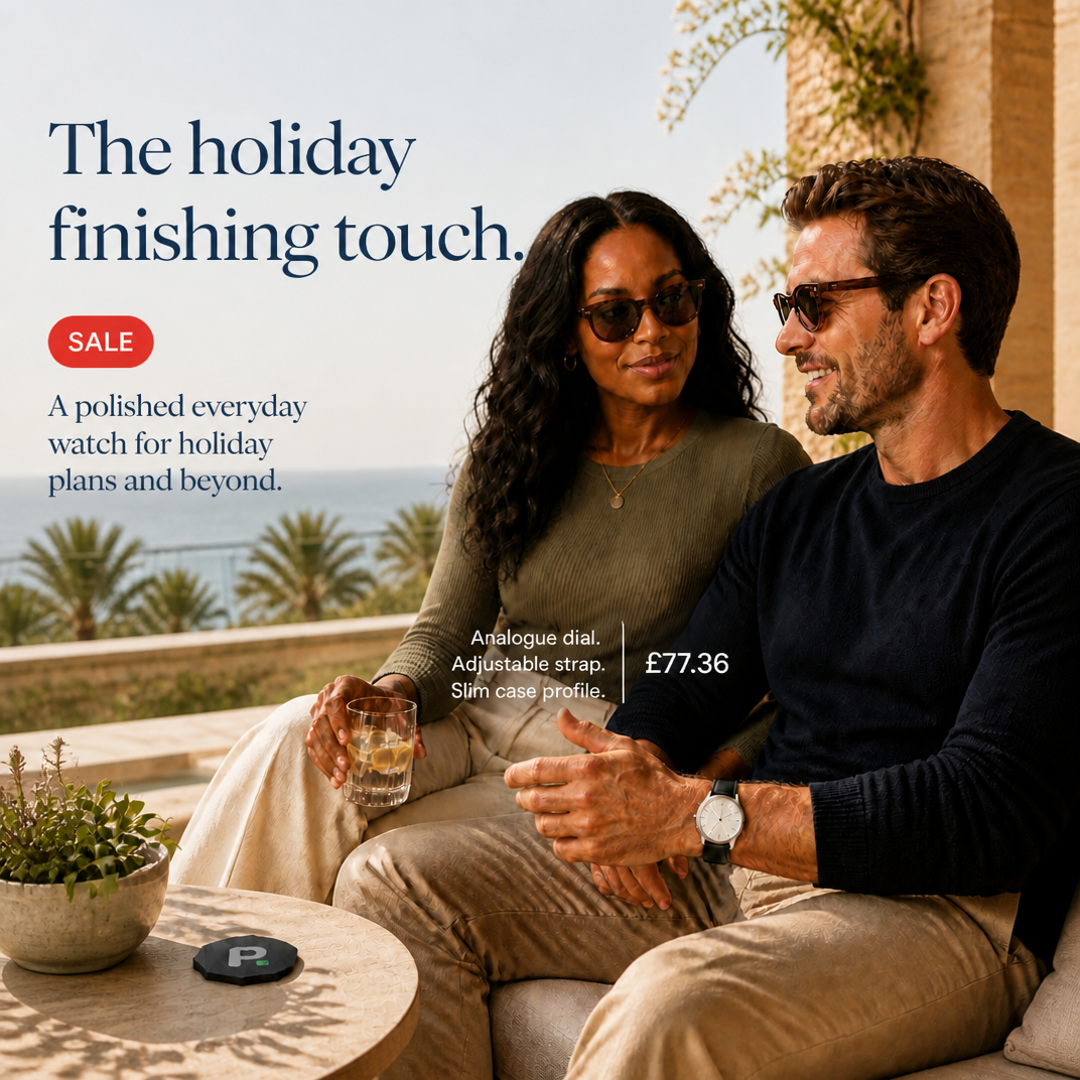
Create campaign-ready product photography, lifestyle scenes, and carousel ads in minutes.
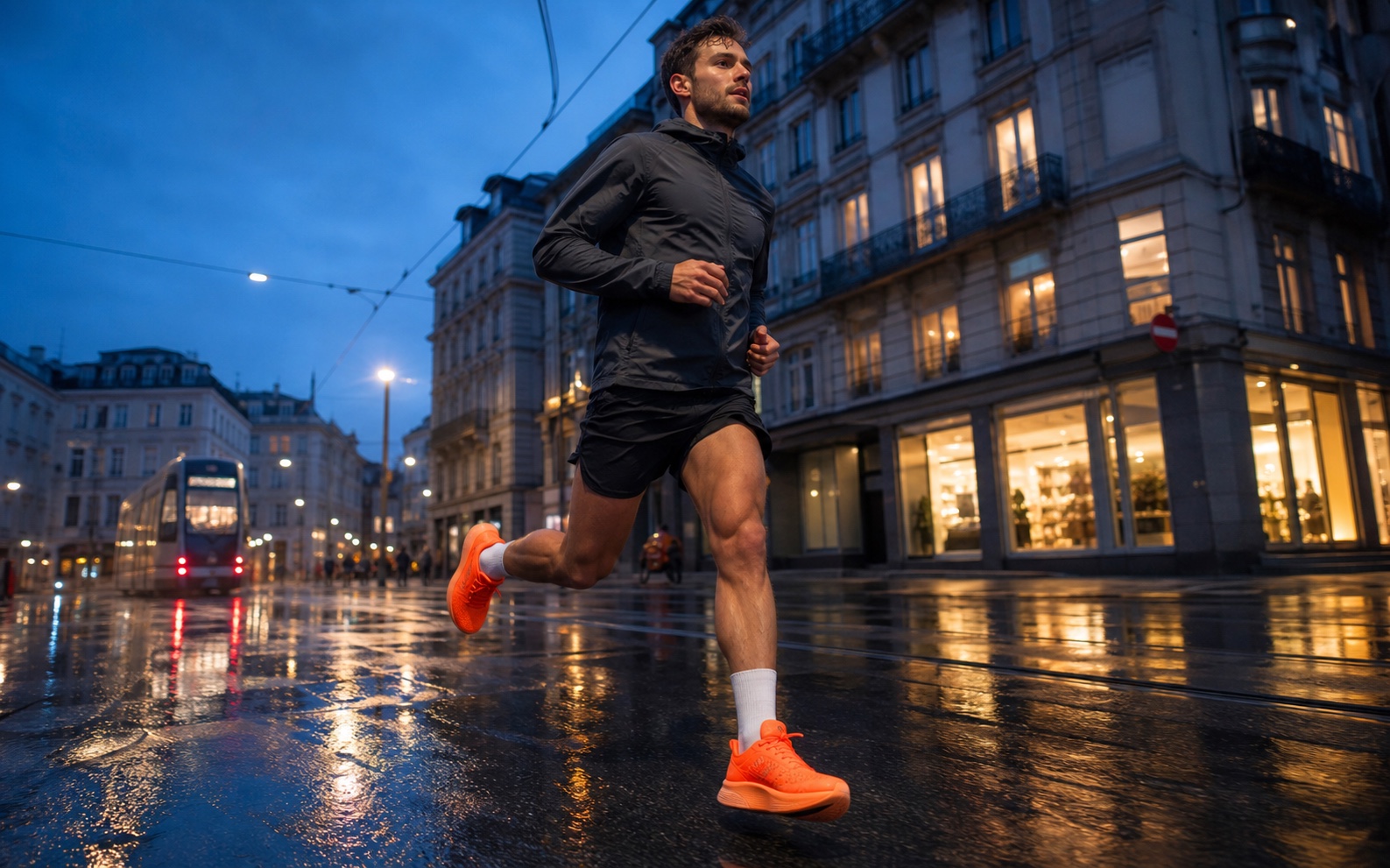
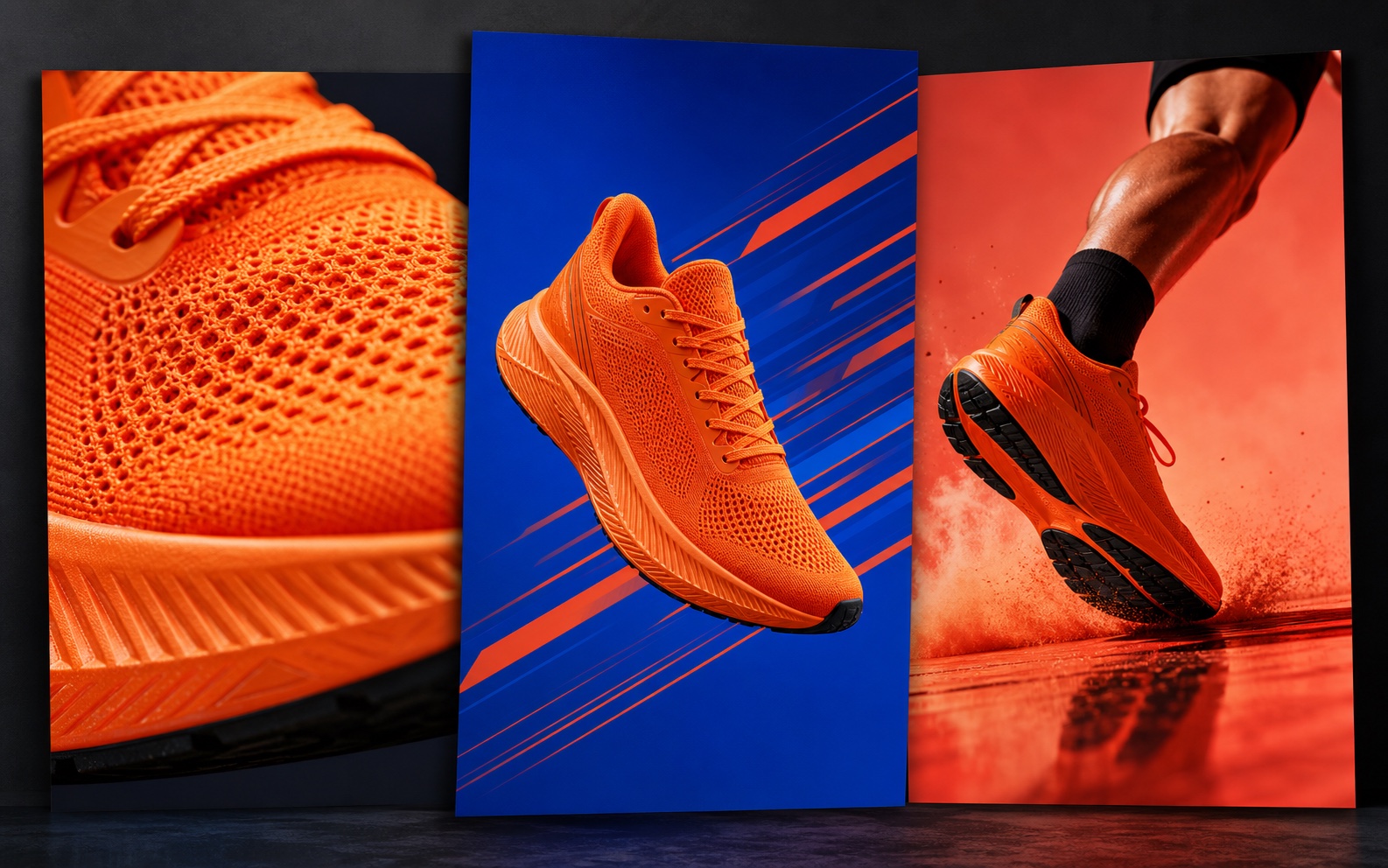
Place the SKU in a real-world setting — lighting, props, and mood included.
Stay on brand
Create playbooks to collect your instructions, colors, human models, and copy fine-tuning in one reusable direction.
Set reusable brand colors.
Define brand logos and other assets.

Keep generated people consistent.

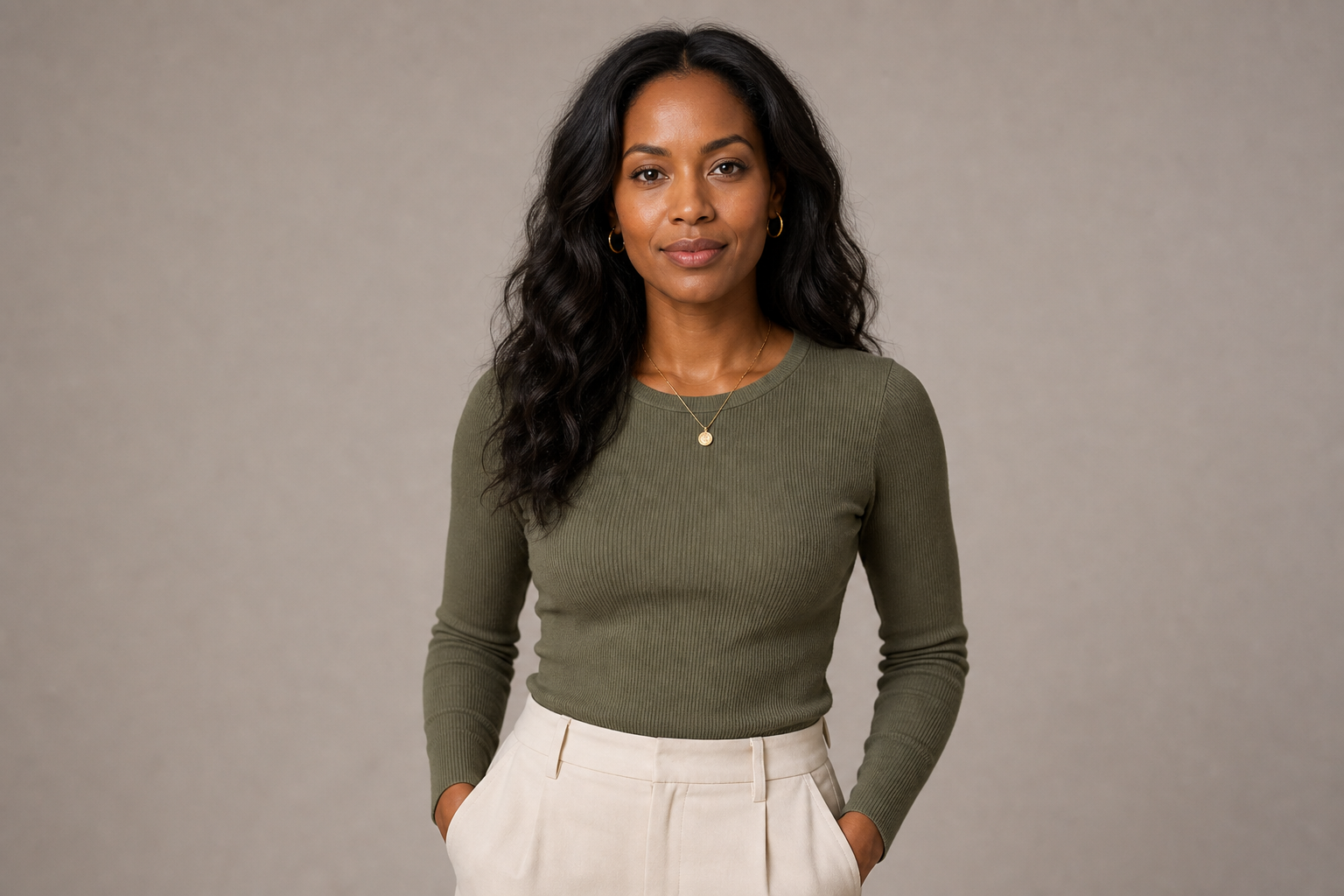
Save style rules and tune brand voice.

What can I create in Studio?
Create product photography, lifestyle scenes, carousels, campaign creatives, and channel-ready formats from the same workspace.
Can Studio use products from my catalog?
Yes. Start with the products and assets in your connected catalog, then turn them into new creative without rebuilding the product information by hand.
Do I need a connected catalog to use Studio?
No. Upload product images or paste a product page URL to import its details and images. A connected catalog is optional and makes it easier to reuse current product data across creatives.
How do Playbooks keep creative on brand?
Save reusable colors, logos, assets, model preferences, style guidance, and tone so each new creative starts from the same brand direction.
Can I create different formats for each channel?
Yes. Format recomposes the layout for each canvas and can account for the interface areas used by different social channels.
Can I localize creatives for different markets?
Yes. Adapt the language, tone, messaging, and product offer for each market while keeping the visual direction consistent.
Turn every product into campaign-ready creative
Create on-brand product photography, formats, and localized campaigns.
Try for free